
Searching Cases by Name
The Arizona Public Access Case Lookup is the main public index for Mohave County case search. It covers data from 177 of 184 Arizona courts. A name search requires Last/Business Name. First Name, Date of Birth, and Court are optional controls that can narrow the results. Select the exact Mohave court whenever known.
- Open Public Access and choose Search by Name.
- Enter the surname or business name, then add the first name if known.
- Add date of birth only when appropriate and select the originating court.
- Compare court, party role, case type, number, filing date, and status.
- Open the matching detail and read its history and future activity.
| Field Label | Type | Required | Notes |
|---|---|---|---|
| Last/Business Name | Text | Yes | Use an individual surname or business name. |
| First Name | Text | No | Narrows a person search. |
| Date of Birth | Two dropdowns | No | Month and day controls are displayed. |
| Court | Dropdown | No, recommended | Select the exact Superior, Justice, or Municipal Court. |
| Vehicle Registration hold | Checkbox | No | Limits results to cases with that traffic-related hold. |
Select the Exact Mohave Court
Mohave County does not have one clerk for all case levels. The elected Clerk of the Superior Court keeps felony, major civil, family, juvenile, and probate files. Four Justice Courts keep their precinct misdemeanor, traffic, small-claims, eviction, and limited civil cases. Municipal courts keep city misdemeanor, ordinance, and traffic files.
A broad name result can place several courts side by side. Match the court on the citation, notice, or filing. A felony may have an early Justice Court number and a later Superior Court number, while an eviction remains at Justice Court. If the wrong court is selected, a valid Mohave County case may look absent or a different person's case may seem like a match.
Superior Court cases can include felony, major civil, family, juvenile, and probate categories. Justice results can include limited civil, small claims, eviction, county misdemeanor, traffic, and felony preliminary work. Municipal results cover city misdemeanors, ordinance matters, and city traffic. The case type and party role help distinguish two rows with similar names.
Searching by Case Number
Public Access separates the category prefix from the numeric body. Its official example is TR - 19010111. Enter TR in the prefix field and 19010111 in the number field. Select the court when possible. Do not guess punctuation or expand an observed code without an official definition.
Prefixes such as CR, CV, CM, CT, and TR appear in portal or calendar context, but Mohave publishes no complete official code glossary. Use the exact number printed on the court paper. If it fails, retry without guessed punctuation, confirm the court, and then use a name search.
Mohave Vehicle Hold Search Filter
Public Access includes an optional checkbox limiting results to cases with a Vehicle Registration hold. It can help locate a traffic matter when the user knows a hold exists. It is not a payment tool and does not release the hold. Open the matching case, confirm the issuing Mohave Justice or Municipal Court, and contact that clerk for the current amount and compliance steps.
Inside Mohave Public Access Routes
Name and number searches solve different problems. Name search is useful when paperwork is missing, but it can return common-name results and demands close review. Number search is more precise, but only when the prefix, numeric body, and court are entered correctly.
Search failure checklist: Try the exact number without guessed marks, broaden the name, select the correct court, and consider whether the case category is restricted or excluded.
The statewide extract updates weekly on Friday with information through Wednesday. A same-week hearing should be confirmed through the case's newest notice, the Mohave judge calendar, and the clerk.
The portal states that its results are contributed court data and can contain delays or errors. A searcher should not alter the name until every exact option has been tried, and should record the displayed court and number before calling. Corrections must be raised with the originating clerk, since the statewide interface does not own the local source record.
What a Case Search Returns
A Mohave County case search result can move from a short result row into a structured detail view. Public data comes from the originating court and may lag or contain errors. Corrections go to that clerk.
| Case number | The exact court identifier, including its category prefix. |
|---|---|
| Style and parties | The caption and public roles such as State, plaintiff, defendant, petitioner, or respondent. |
| Case type | The public category, court, division, and assigned officer where supplied. |
| Filed date and status | The opening date and current status label contributed by the court. |
| Case history | Chronological filings and court events, which may not link to images. |
| Hearings and result | Future activity and disposition information where public and entered. |
Mohave Search Results Versus Images
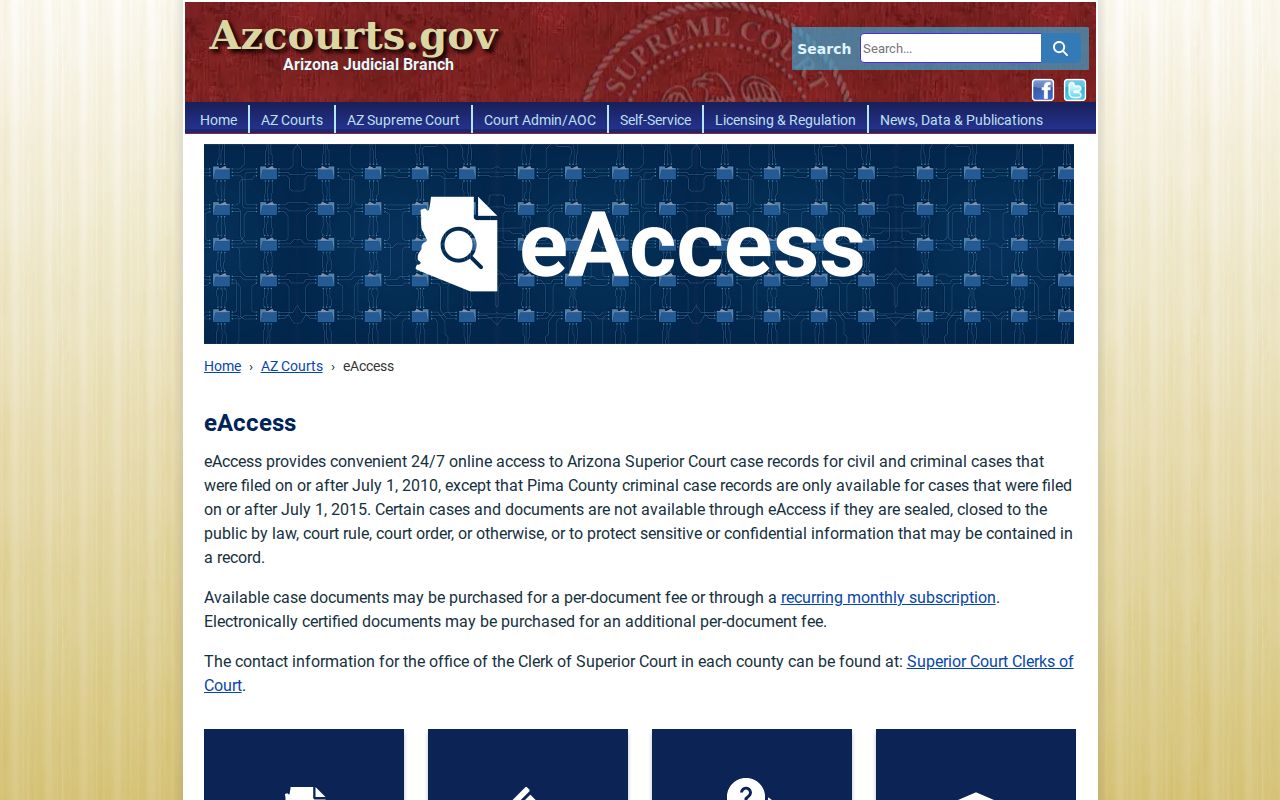
Public Access is the index and event-history layer. eAccess is the separate document layer for available Superior Court civil and criminal cases filed on or after July 1, 2010. It requires an account and can charge for a document or electronic certification. A first-page preview is unofficial, and downloads remain available for a limited period.
The official eAccess overview shows that the two systems have different jobs.
A “Document Not Available Online” label can mean no linked or public image, not that the underlying Mohave court event is missing.
For an older file or missing image, identify the document title and date, then contact the correct clerk. The Superior Court Records Request Form accepts case and party information, the requested document, certification choice, contact details, and delivery format.
eAccess also has advanced searches. Case and Party Search can use a full or partial number or name, filing dates, title, judicial officer, and civil or criminal case type. Case and Event Search can use event dates and descriptions such as motions to continue or orders granting or denying relief. Results can be sorted and exported after CAPTCHA. These options locate documents, but public restrictions still apply.
Statewide vs County Case Search
Mohave relies on a statewide public index plus local court calendars and clerk channels. There is no official Mohave product called Court Connect for case lookup. That term can refer to remote appearance functions and should not be presented as a docket portal.
| Arizona Public Access | Mohave court and clerk channels |
|---|---|
| Case information from 177 of 184 Arizona courts | Judge calendars and the specific Superior, Justice, or Municipal custodian |
| Free name and split-number search with stated exclusions | Current setting confirmation, omissions, old files, filed copies, and certification |
| Best first step for identifying court and number | Best next step for an exact Mohave record or same-week event |
The Arizona records maintenance and copies statute supplies related public-record principles.
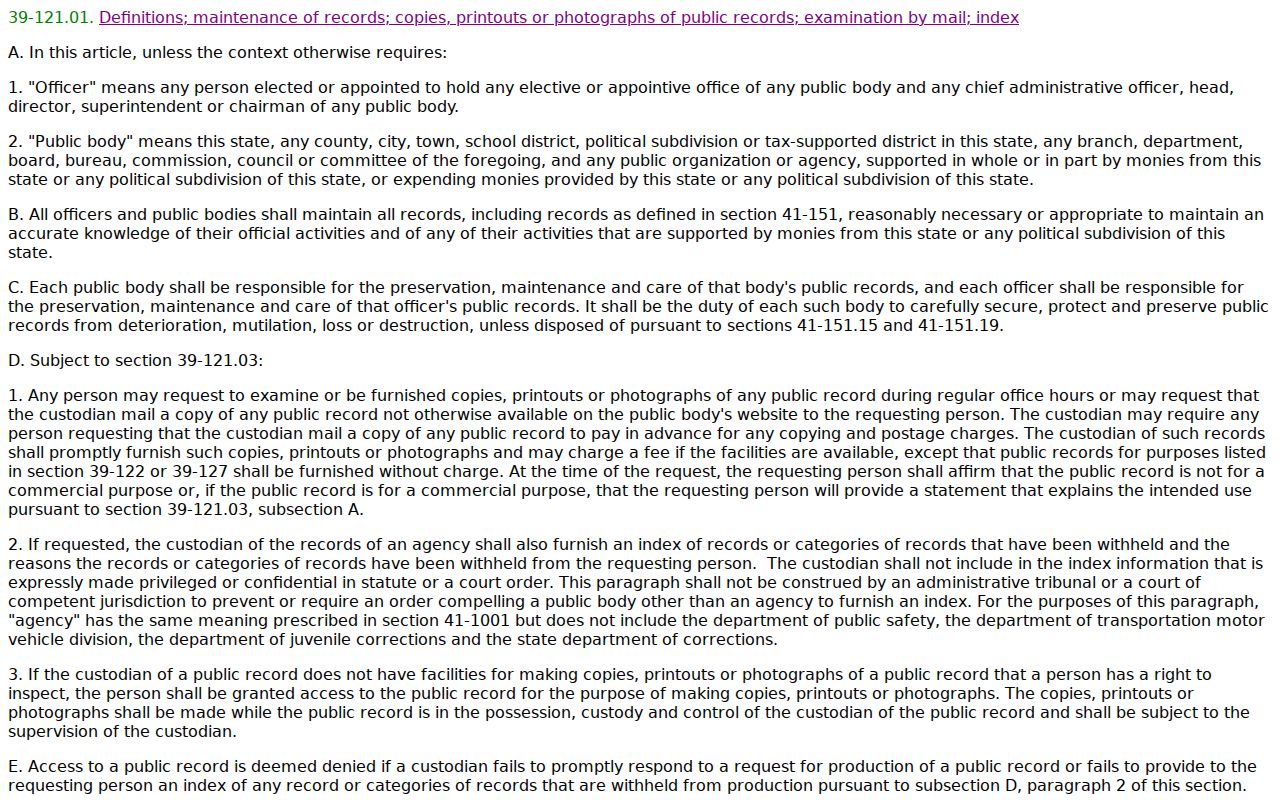
Judicial case access is governed particularly by Rule 123, while the originating clerk remains responsible for its case data.
The local follow-through is case history, assigned judge, current calendar, and correct custodian. Mohave calendars are separated by Superior Court division, Justice Court, and Municipal Court. When the public result shows a future event, compare its number and setting type with that calendar. When it shows no image, use the Clerk request form for Superior Court or contact the limited court directly.
A Mohave Search Is Not Certified
A public lookup can identify the docket and its events. It is not a clerk-authenticated copy. eAccess can offer electronic certification for eligible documents, while the Clerk can issue the product required by the receiving institution. Some recipients may still require a raised seal.
The official electronic certification guidance describes validation.
Ask the recipient what form it accepts before paying, then order from the court that owns the document.
For the Superior Court Clerk, request channels include email to clerkofcourt@mohavecourts.com, fax to 928-718-4930 marked for the Research Clerk, phone at 928-753-0713 extension 4089, mail to the Kingman post-office box, and counters in Kingman, Bullhead, and Lake Havasu. A Justice or Municipal file stays with that limited court.
Access and Restricted Cases
Public Access excludes sealed cases, Orders of Protection, mental-health and probate matters, and victim or witness information. eAccess excludes cases or documents closed by law, rule, or order and material withheld to protect confidential information. Arizona Supreme Court Rule 123 also permits remote access to be narrower than counter inspection.
If a known Mohave County case does not appear, provide its number to the actual custodian. Ask whether the case exists but is nonpublic, whether a redacted copy may be produced, and what order or motion is required. Online absence is not a factual finding that no case exists, and a gap should not be used to infer restricted details.
Probate is a common Mohave example: it belongs to Superior Court but is deliberately excluded from statewide Public Access, so the Clerk is the fallback. Sealed, protective-order, mental-health, juvenile, victim, and witness information also carries special limits. A party or lawyer may have authenticated access not available to the general public. The correct response to a blank search is to verify the court and ask the custodian about access, not to draw a conclusion about the person or dispute.